
Automatically skips sponsors and intros in YouTube videos across various smart TV and console applications.
iSponsorBlockTV is a self-hosted application that automatically skips specific segments in YouTube videos on smart TVs and gaming consoles. It connects to the YouTube TV app and utilizes the SponsorBlock API to identify and bypass sponsors, intros, and other unwanted content. This allows users to maintain a continuous viewing experience without manually scrubbing through videos to find the start of the actual content.
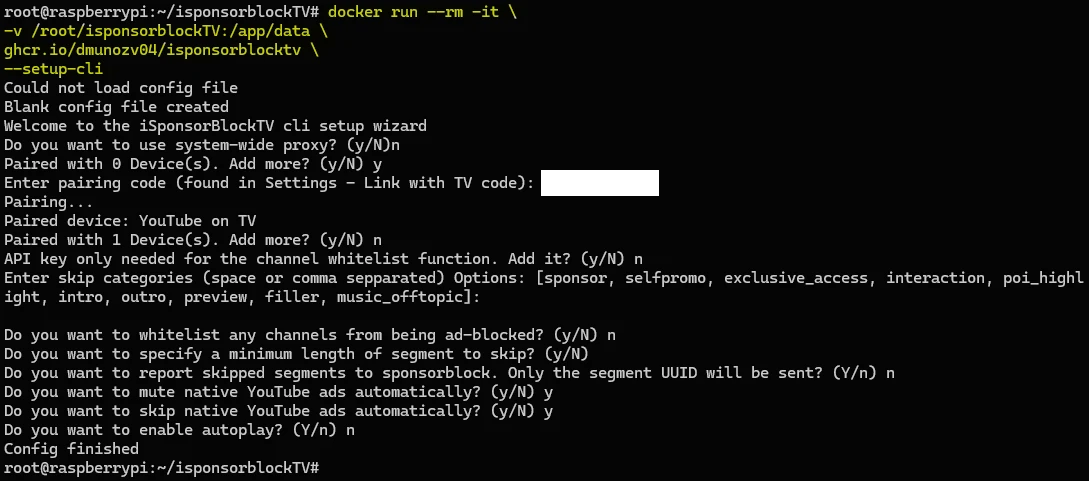
The software runs on a computer with network access to youtube.com. It can be configured via a graphical configurator and connects to devices through auto discovery on the same network or by manually entering a YouTube TV code found in the device settings. Because it operates as a server, it does not need to be installed directly on the television or console, but it requires a stable network connection to send commands to the target device.
Key features
- Skips sponsor segments and intros using the SponsorBlock API
- Automatically mutes audio during advertisements
- Triggers the Skip Ad button as soon as it appears
- Supports Android TV, Google TV, and Chromecast
- Compatible with Apple TV, Roku, and Fire TV
- Works with Samsung Tizen and LG WebOS televisions
- Supports Nintendo Switch, Xbox One, Xbox Series, and PlayStation 4 and 5
- Includes a graphical configurator built with Textual
The application is written in Python and relies on the pyytlounge library to interact with TV devices. It uses asyncio and aiohttp for asynchronous operations and ssdp for the auto discovery of devices on a local network. The system is designed for users who want to automate the removal of non-content segments while watching YouTube on a large screen. While most standard videos are supported, YouTube Shorts have limited functionality due to platform restrictions, requiring users to interact with the menu or disconnect the service to view them.
This tool serves as a backend utility for enhancing the YouTube viewing experience on various hardware platforms by automating the skipping of repetitive or promotional video segments.
Similar Open Source Software


Join our newsletter to get shiny new open source software delivered to your inbox. Unsubscribe anytime.