
A macOS terminal emulator featuring split panes, tmux integration, and automated profile switching for developers.
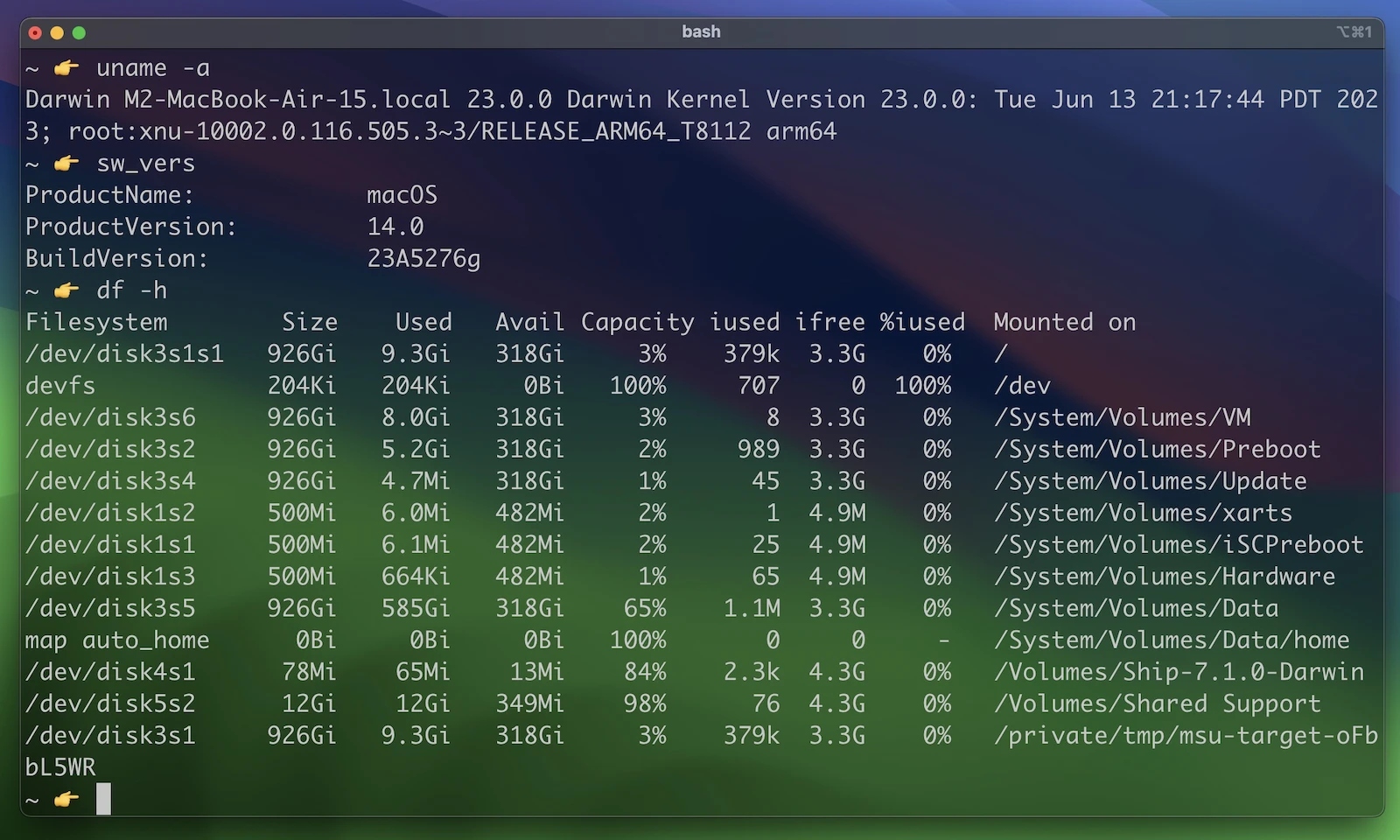
iTerm2 is an open-source terminal emulator designed specifically for macOS that provides a wide range of customization and productivity features beyond standard command line interfaces. It allows users to manage multiple sessions and environments through a highly flexible interface.
The software is deployed as a desktop application. It supports traditional terminal workflows while adding modern interface elements such as split panes, a configurable status bar, and deep integration with the macOS operating system. Users can install it via direct download or build it from source using a provided setup script that handles dependencies like Rust and Xcode.
Key features
- Native tmux integration that replaces text-based interfaces with macOS windows and tabs
- Shell integration for tracking commands, directories, and hostnames
- Built-in LLM chat window for context-aware help and command execution
- Inline image support for displaying photos and animated GIFs via imgcat
- Automatic profile switching based on hostname, username, or directory
- Dedicated hotkey windows that slide down from the screen edge
- Session restoration that keeps shells running during app crashes or upgrades
- Python scripting API for automating status bar components and triggers
- Instant Replay for scrubbing backward through terminal history with timestamps
The application utilizes a long-lived server process architecture to ensure session persistence, meaning shells continue to run even if the frontend application restarts. It includes a built-in web browser that integrates into the window and tab hierarchy, allowing terminal features like copy mode and triggers to work within browser sessions. The software is aimed at developers and system administrators who require advanced automation, such as regex-based triggers that fire actions upon matching text, and Python-driven customization to manage complex server environments.
Additional utility is provided through smart selection, which allows users to quad-click semantic objects like URLs or file paths for quick actions. The copy mode offers Vim-like keyboard navigation to select text without a mouse. These tools combined make it a comprehensive environment for those who spend the majority of their time in a command line interface.
iTerm2 serves as a feature-rich macOS terminal emulator.
Similar Open Source Software

Alacritty
A cross platform terminal emulator using OpenGL acceleration for high performance and extensive configuration options.

Ghostty
A native, cross-platform terminal emulator that combines high performance with standards-compliant emulation and native UI.


Join our newsletter to get shiny new open source software delivered to your inbox. Unsubscribe anytime.