
A cross-platform graphical interface for managing rclone remotes and cloud storage tasks without using the command line.
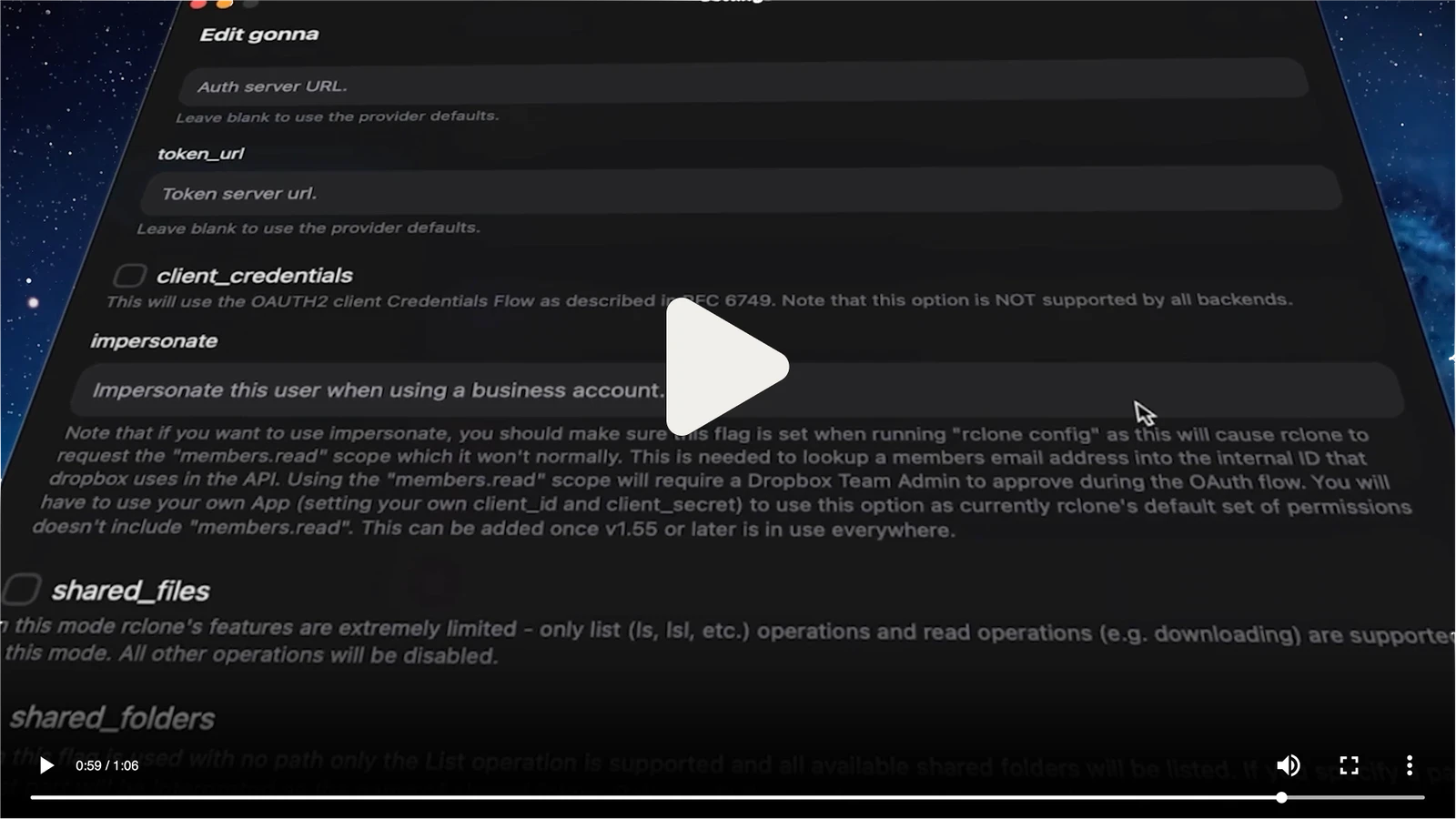
rclone-ui is an open-source desktop app that provides a graphical interface for the rclone command line tool. It acts as a transparent layer over rclone to manage cloud storage remotes and synchronization tasks without requiring manual terminal commands. The application is available for Windows, macOS, and Linux, allowing users to handle cloud file management and backup recovery through a visual dashboard.
Users can install the software via various package managers including Flathub, Homebrew, Scoop, Chocolatey, and WinGet. It can be used as a local desktop application or as a remote controller for rclone instances running on servers, homelabs, or Docker containers by connecting to the rclone remote control daemon. This makes it suitable for users who need to manage storage on a headless machine from a separate workstation.
Key features
- GUI management for rclone remotes
- Support for S3, Google Drive, Dropbox, and Backblaze B2
- Integration with FTP, SFTP, and FUSE filesystems
- Remote connection to rclone instances via RCD
- Cross-platform compatibility for Windows, macOS, and Linux
- Support for Docker deployment and homelab setups
- Customizable host settings for different RCD ports
- Integration with system tray menus
The application is built using Tauri and utilizes the HeroUI framework for its interface. It connects to rclone via the rcd daemon, typically using port 5572, and supports authentication via user and password flags for production environments. This architecture allows users to manage files on remote servers from a local desktop client without needing to SSH into the machine for every operation. The software supports multiple hardware architectures, including ARM and x64 for Windows and Apple Silicon and Intel for macOS.
It is a user-friendly frontend for individuals who need the extensive cloud provider support of rclone but prefer a visual interface over a command line for their daily file management and synchronization workflows.
Similar Open Source Software

Syncthing
Synchronizes files between two or more computers using a continuous peer to peer synchronization process.

LocalSend
Share files and messages between nearby devices over a local network without requiring an internet connection.


Join our newsletter to get shiny new open source software delivered to your inbox. Unsubscribe anytime.