
Provide terminal access in a web browser over http and https using websockets and xterm.js.
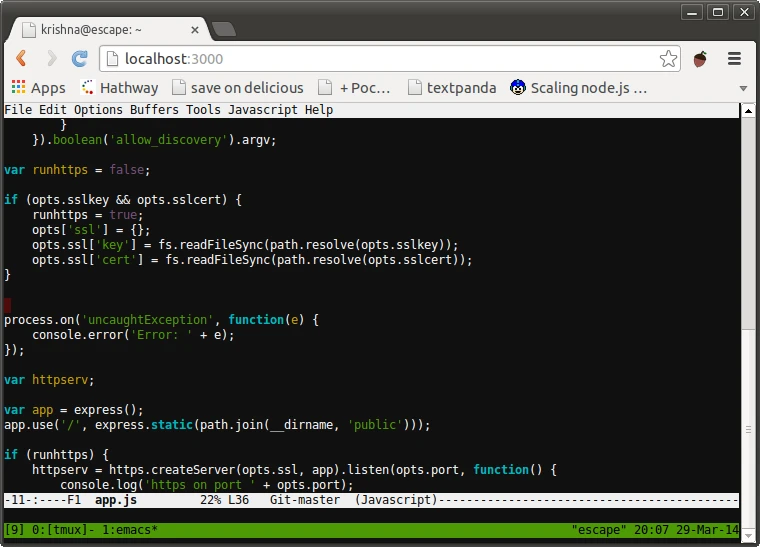
WeTTY is an open-source application that provides terminal access via a web browser over HTTP and HTTPS. It functions as a bridge between a web interface and a system shell, allowing users to manage servers or local machines through a browser window. The software is deployed as a server-side application and can be installed globally via npm or run as a Docker container for easier orchestration.
The application utilizes websockets to maintain a persistent connection between the client and the server, which reduces response times compared to traditional Ajax-based methods. Users can connect to the local machine or a remote host using SSH. When run as root, the application launches the system login process, while standard users are connected via SSH to localhost by default. This allows for flexible access control depending on the privileges of the user running the WeTTY server.
Key features
- Terminal emulation using xterm.js for browser-based access
- Support for HTTP and HTTPS connections via websockets
- SSH integration for connecting to remote hosts and ports
- Support for SSL certificates and keys for secure connections
- Configuration options for SSH authentication via passwords or public keys
- Ability to embed the terminal interface within an iframe
- Support for custom commands and working directories via URL parameters
- Integration with Docker for containerized deployment
WeTTY is built with Node.js and requires a JavaScript environment to run, specifically requiring Node version 20 or higher. It is designed for system administrators and developers who need remote shell access without a dedicated SSH client installed on the local machine. The software includes a wide array of command line flags to customize the listen host, port, and specific SSH configurations, including the use of alternative SSH config files and known hosts files.
For production environments, the developers recommend placing the application behind a reverse proxy such as Nginx or Traefik to manage HTTPS security and Let's Encrypt SSL certificates. This architecture ensures that the websocket traffic is encrypted and the server remains protected from direct public exposure.
This software serves as a web-based terminal emulator for remote system management.
Similar Open Source Software

Alacritty
A cross platform terminal emulator using OpenGL acceleration for high performance and extensive configuration options.

Ghostty
A native, cross-platform terminal emulator that combines high performance with standards-compliant emulation and native UI.
Join our newsletter to get shiny new open source software delivered to your inbox. Unsubscribe anytime.