
A keyboard driven launcher for quickly finding and opening applications, files, and bookmarks across multiple operating systems.
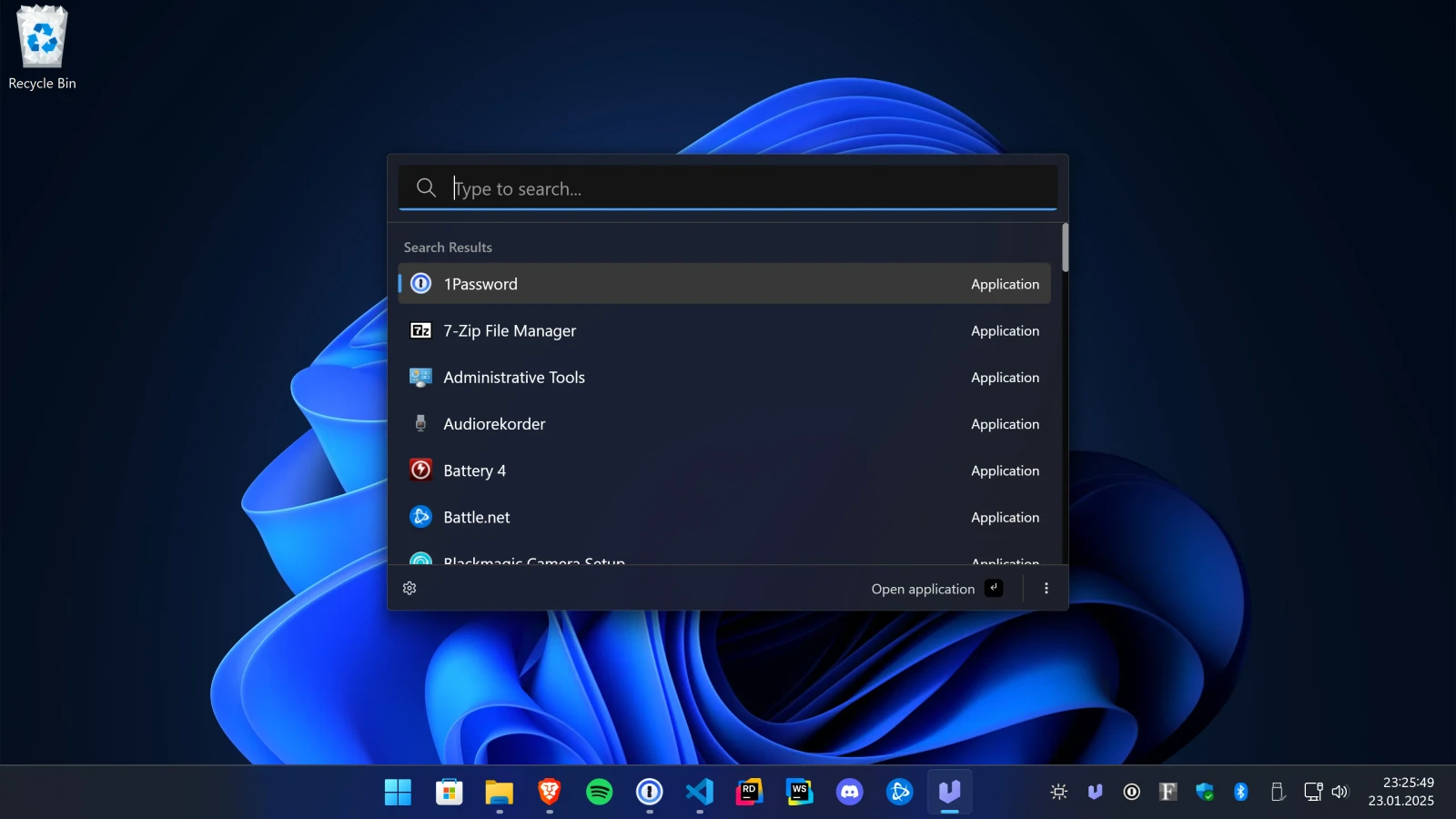
Ueli is an open-source desktop app that functions as a keystroke launcher. It allows users to find and open applications, files, and bookmarks through a centralized search interface, reducing the need to navigate through traditional folder structures or application menus.
The software is deployed as a desktop application for Windows, macOS, and Linux. Users interact with the tool primarily via a global hotkey, such as Alt+Space, to toggle the search window and use keyboard shortcuts to navigate results and trigger actions. This workflow is designed to keep the user's hands on the keyboard for faster navigation across the operating system.
Key features
- Global hotkey support to show or hide the launcher
- Search results navigation using arrow keys and Enter
- Favorites system to pin frequently used items to the top of results
- Additional actions menu for selected search items via Ctrl+K or Cmd+K
- Extension system to add new functionalities to the launcher
- Individual configuration settings for enabled extensions
- Debugging logs accessible via the settings menu
- Cross-platform compatibility with Windows, macOS, and Linux
Built with Electron, React, and TypeScript, Ueli uses FluentUI for its interface. The application includes a modular extension architecture, allowing users to toggle specific plugins on or off and configure them through a dedicated navigation menu in the settings. This architecture enables the launcher to expand its utility beyond simple file searching. On Linux, users may need to bind custom system shortcuts to call the binary if global hotkeys are unavailable in Wayland sessions, ensuring the tool remains accessible regardless of the window manager used.
Ueli serves as a cross-platform productivity tool for users who prefer keyboard-driven navigation over mouse-based interaction to manage their daily digital workspace.
Similar Open Source Software

MonitorControl
Adjust brightness and volume of external displays on macOS using native keyboard keys and menu bar sliders.

Flow.Launcher
Search for applications, files, and web content through a keyboard driven launcher for Windows desktop.


Join our newsletter to get shiny new open source software delivered to your inbox. Unsubscribe anytime.